
How Corporate Offices in Malaysia Handle Procurement System Integration
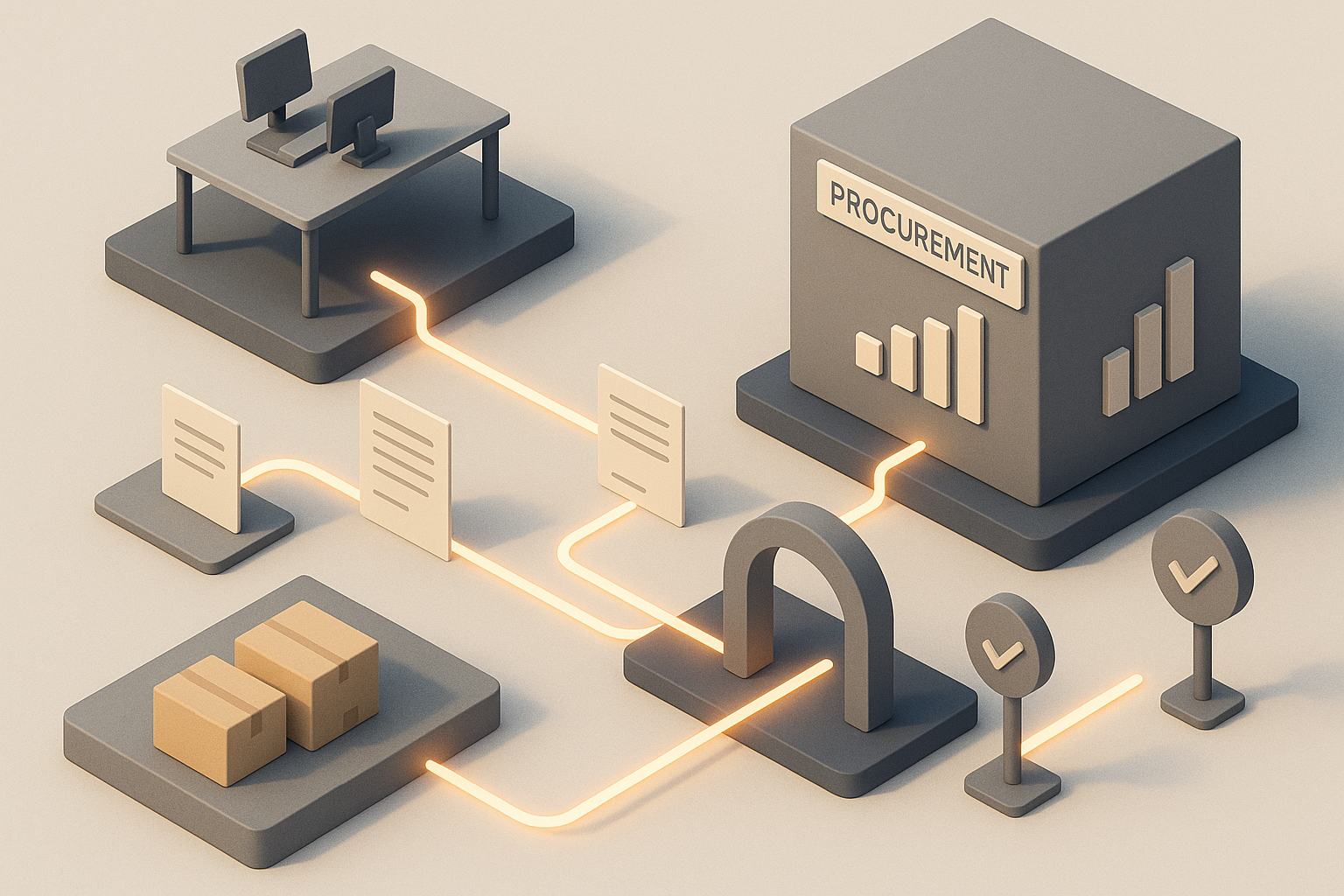
Corporate offices in Malaysia rarely struggle with procurement because they lack buying activity. The bigger issue is that purchasing, approvals, supplier records, invoices and budget controls often sit across too many disconnected tools. Procurement system integration is how office teams reduce that fragmentation and make buying easier to control, track and audit.
Quick answer
Corporate offices in Malaysia typically handle procurement system integration by connecting their procurement workflow to the systems they already use for finance, approvals, supplier records, inventory and invoicing. In practice, this usually starts with a narrow scope such as purchase requests, purchase orders, goods receipt and invoice matching, then expands after controls and data quality are stable. The most successful projects are led jointly by procurement, finance, IT and operations rather than by one department alone.
What procurement system integration means in a corporate office
In a corporate office environment, procurement system integration means linking the tools used to request, approve, buy, receive and pay for indirect spend. This often includes office supplies, pantry items, IT peripherals, MRO items for facilities teams, cleaning supplies, event materials and other day-to-day business purchases.
The goal is not simply to move forms online. It is to make sure data flows properly between systems so that:
- requesters can buy from approved sources
- approvers can see budget and policy context
- procurement can enforce supplier and category controls
- finance can reconcile documents more cleanly
- management can review spend with better visibility
- auditors can follow a complete purchasing trail
For Malaysian corporate offices, this can also support cleaner documentation for internal controls, SST treatment where relevant, supplier records and finance reporting processes.
Why integration matters more for corporate offices than many teams expect
Corporate office procurement is often treated as low risk because many purchases are routine or relatively small. In reality, the risk comes from volume, fragmentation and repetition.
A head office may have:
- multiple departments raising similar requests separately
- recurring purchases from different suppliers for the same category
- approvals happening over email, chat and spreadsheets
- invoices arriving in several formats
- branch or regional office requests feeding into a central finance team
- urgent purchases made outside policy because the approved route feels slow
Without integration, teams spend time chasing information instead of controlling spend. This leads to common problems:
Duplicate supplier and item records
When vendor master data is not aligned across systems, the same supplier may exist under multiple names. That creates confusion in reporting and can slow payment processing.
Weak budget visibility at request stage
If users only see budget information after finance review, unnecessary requests still enter the workflow and consume approval time.
Manual three-way matching effort
If purchase orders, receipts and invoices do not connect properly, finance teams must resolve mismatches manually.
Poor audit trail
A fragmented process makes it harder to show who requested an item, who approved it, whether the supplier was approved and whether the invoice matched the order.
The systems corporate offices usually need to connect
Procurement integration does not always mean one large system replacement. Many Malaysian companies improve outcomes by connecting a few critical systems first.
Common integration points
| System area | What it usually handles | Why integration matters |
|---|---|---|
| ERP or finance system | GL codes, cost centres, budgets, supplier master, payment records | Keeps procurement aligned with accounting and reporting |
| HR or identity system | employee data, department, manager hierarchy | Supports approval routing and user access |
| Procurement platform | catalogues, requisitions, approvals, POs, receiving | Centralises buying workflow |
| Inventory or facilities tools | stock levels, internal issuance, maintenance demand | Helps avoid unnecessary purchases |
| Invoice or AP workflow | invoice capture, matching, exception handling, payment release | Reduces manual reconciliation |
| Reporting or BI tools | spend dashboards, compliance views, category analysis | Improves decision-making |
In office settings, the highest-value links are usually:
- user and approval hierarchy sync
- supplier and item data sync
- PO transmission to finance or ERP
- goods receipt confirmation
- invoice matching and payment status feedback
How corporate offices in Malaysia typically approach integration
Most successful office environments do not integrate everything at once. They phase the work according to risk, business impact and readiness.
Phase 1: Standardise the process before connecting systems
This is the step many teams want to skip. But if every department uses a different request process, integration only automates inconsistency.
Before any technical work, companies usually define:
- who can raise requests
- which categories must go through approved suppliers
- approval thresholds and escalation rules
- mandatory fields for requests and purchase orders
- receiving rules for goods and services
- invoice matching rules and exception ownership
This is also the right time to decide when purchases can bypass standard flow, such as genuine emergencies.
Phase 2: Clean the data
Integration quality depends heavily on master data quality. Corporate offices usually review:
- supplier names and duplicates
- payment terms
- SST-related supplier information where relevant
- item descriptions and units of measure
- cost centres and department codes
- employee and approver records
- delivery locations and branch codes
If a company operates across multiple offices in Peninsular Malaysia, delivery point consistency becomes especially important. A clean location list helps receiving, invoice allocation and spend reporting.
Phase 3: Start with one or two spend categories
Rather than attempting all indirect spend categories at once, many office teams begin with categories that are frequent, standardised and easy to validate, such as:
- office supplies
- pantry and cleaning supplies
- common IT accessories
- printed materials
- facilities consumables
These categories usually have recurring demand, clear specifications and obvious policy benefits.
Phase 4: Connect approvals and finance controls
At this stage, the company links operational buying to actual financial governance. Typical controls include:
- approval routing by department or cost centre
- approval routing by value threshold
- budget checks before approval or PO release
- blocked suppliers or restricted categories
- preferred supplier enforcement
- PO requirement before invoice acceptance
This is where procurement, finance and IT need close coordination. Procurement may own the policy, but finance usually owns chart-of-accounts discipline and IT owns the technical logic and security.
Phase 5: Extend to invoicing and reporting
Once requisition and PO workflows are stable, integration can extend into:
- invoice capture and validation
- PO flip and matching status updates
- credit note handling
- payment status visibility
- spend reporting by category, supplier, department and location
For Malaysian finance teams, the value here is not just speed. It is cleaner documentation and easier month-end support.
The integration models companies usually compare
Not every corporate office needs the same level of integration. The right model depends on process maturity, internal IT capacity and control requirements.
Common approaches compared
| Approach | How it works | Best for | Main limitation |
|---|---|---|---|
| Manual export/import | Teams move CSV or spreadsheet files between systems on a schedule | Smaller or earlier-stage environments | High manual effort and error risk |
| Basic API integration | Key records like users, POs or invoices sync automatically | Companies needing control without full system overhaul | May still leave some workflow gaps |
| Middleware-based integration | A central layer maps and routes data between several systems | Organisations with multiple systems and more complex logic | Requires stronger IT governance |
| End-to-end platform-centric setup | Procurement workflow is central and connected to finance and AP systems | Offices aiming for standardisation and visibility | Needs clearer change management upfront |
For many corporate offices, a basic API or middleware approach is the practical middle ground. It reduces manual handling without forcing a complete technology reset.
The people involved in a successful integration project
Procurement system integration is not only an IT project. In corporate offices, it usually succeeds when each function has a defined role.
Procurement
Procurement typically leads on:
- category policy
- supplier rules
- approval design inputs
- user adoption requirements
- exception handling ownership
Finance
Finance usually owns or co-owns:
- chart of accounts and cost centre logic
- budget control points
- invoice matching rules
- payment-related data requirements
- audit and compliance expectations
IT
IT is critical for:
- security and access control
- integration architecture
- API and data mapping
- testing and environment management
- support model after go-live
Department requesters and approvers
Business users validate whether the workflow is practical. If the integrated process is too rigid or too slow, off-system buying will continue.
Common challenges Malaysian corporate offices run into
Even well-planned projects hit operational issues. The most common ones are usually process issues disguised as technical issues.
Approval hierarchies are outdated
When employee reporting lines are not current, requisitions route to the wrong approver or stall completely.
Supplier onboarding is inconsistent
Some departments may still use informal supplier arrangements. Integration exposes these gaps because the system requires complete supplier records before transacting.
Too many exceptions remain outside the system
If urgent purchases, service requests or non-catalogue buys are all handled manually, the integrated process will never become the main route.
Finance wants control, users want speed
This tension is normal. The answer is not to remove controls, but to simplify low-risk categories and automate routine approvals where policy allows.
Historical data is messy
Legacy descriptions, duplicate item records and inconsistent cost coding can make reporting unreliable after go-live unless cleaned early.
What a good integration outcome looks like
A strong procurement integration setup in a corporate office should feel boring in the best possible way. Requests move through a predictable path, data lands where it should and exceptions are visible rather than hidden.
Signs the integration is working include:
- requesters know where to buy and how to request
- approvers receive the right context without chasing emails
- procurement can guide spend toward approved suppliers
- finance receives cleaner PO and invoice data
- management gets clearer indirect spend visibility
- audit support becomes easier because records are linked
This does not mean every purchase becomes touchless. Office procurement will always include exceptions. The point is to make exceptions manageable rather than making every purchase an exception.
A practical rollout plan for corporate offices
Below is a sensible sequence many companies can adapt.
1. Map the current process honestly
Document the real path of a purchase, not just the policy version. Include email approvals, chat confirmations, urgent buys and after-the-fact invoices.
2. Prioritise the highest-friction categories
Look for categories with frequent orders, repeated suppliers and avoidable manual work.
3. Define the minimum viable integration scope
A realistic first scope may include:
- user sync
- approval hierarchy sync
- supplier master sync
- requisition to PO flow
- PO to finance system transfer
- invoice matching status
4. Clean master data before build
Do not leave supplier, item and coding cleanup to the final stage.
5. Test with real edge cases
Include:
- split deliveries
- partial receipts
- price discrepancies
- urgent purchases
- service invoices without straightforward goods receipt
- branch delivery variations
6. Train users by role, not with one generic session
Requesters, approvers, procurement admins and finance reviewers need different training.
7. Monitor exceptions after go-live
The first weeks should focus on where transactions are getting stuck and why users are bypassing the process.
How to choose the right procurement integration path
Corporate offices should evaluate options based on operating fit, not just feature lists.
Key questions to ask
- Which systems must be the source of truth for supplier, user and finance data?
- Which categories should be controlled first?
- Do approvers need budget visibility inside the workflow?
- How will non-catalogue purchases be handled?
- What happens when invoice details do not match the PO or receipt?
- How much IT support is available internally?
- What audit evidence must be retained for internal governance?
A good integration path is one that the business can actually maintain. Elegant design on paper is not enough if everyday users cannot follow it.
Final takeaway
How corporate offices in Malaysia handle procurement system integration is usually less about one big software decision and more about disciplined process design, clean data and phased execution. The strongest teams connect procurement to finance and approval controls in a way that reduces manual work without making buying harder.
For companies reviewing marketplace-based procurement as part of that journey, it helps to look for platforms built for indirect and tail spend with practical integration capabilities for office operations. Lapasar is Malaysia's #1 B2B marketplace by number of corporate clients served, and supports corporate procurement workflows across a wide supplier base in Peninsular Malaysia.